





Meeting notes that stay yours.
Be in the meeting. KeptNote writes the note.
Talk to bring it to life. Sound, not words. Nothing leaves this page.
14-day free trial at launch.
- No bot joins the call.
- Nothing is uploaded.
- Every note links back to the moment it was said.
Press 3:34. Read what was said.
Point at a line of the note and press its time. The transcript opens beside it, at the moment it was said.

You will look at this all day. So we made it beautiful.
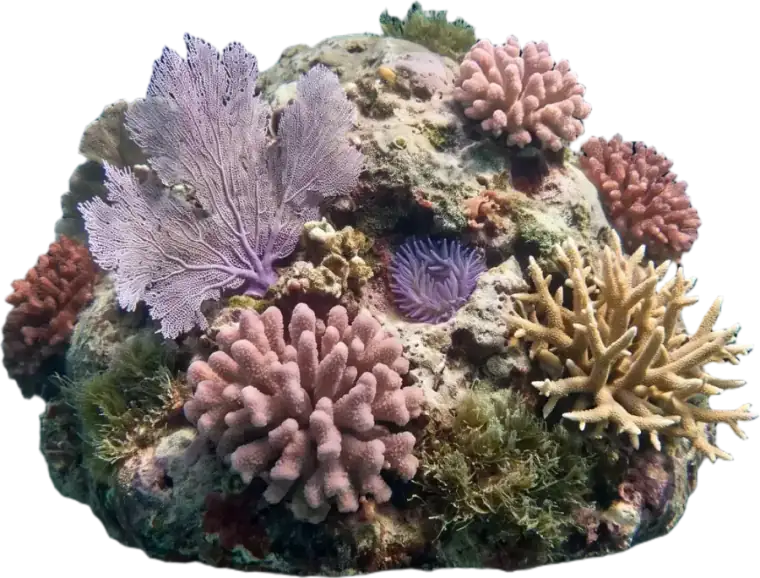
Two waters, Shallows by day and Deep by night, following your Mac. The reef is always there behind your notes, and there are things in it to keep you company.


Nobody new joins the call.
KeptNote listens on your Mac, not inside the meeting. The list stays the same.

- Zoom, Google Meet, Teams or any call app, because it listens to the Mac.
- The transcript and the note are written on your device.
- Saved in 5-second pieces, so a crash loses almost nothing.


Kept like treasure.
Sealed on your device. Yours to open, any time.
A living reef, for the long meetings.
Switch from Notes to Reef and rest your eyes while KeptNote keeps listening.
Visit the Reef
Your meeting stays with you.
Written on your device and kept there. Nothing leaves unless you turn on Improve with your own AI key.
Off unless you choose it.
Two weeks free. Then $99 once.
For the first 500 buyers, then $149 once. A note app at $10 a month is $120 a year, every year.
Bring your meetings with you.
KeptNote imports what Granola, Otter, Fathom and Fireflies export.
How to bring your notesBefore your first meeting.
What happens when the trial ends?
Your meetings stay. They remain readable and exportable forever, whether you buy or not. You just cannot record new ones until you do.
Is the AI included?
The note KeptNote builds on your Mac is included and needs no internet. For a polished, rewritten note you add your own AI provider key, and that provider bills you directly.
What happens to the audio?
By default, raw audio moves to Trash only after the transcript and note are safely written and verified. To keep it, turn on Keep raw microphone and system audio forever in Settings > Transcription.